🧠
Real component knowledge
12 specialized tools expose props, slots, examples, patterns, and implementation guides — accurate, structured Fluent UI v9 context on demand.
A Model Context Protocol server that turns your AI agent into a Fluent UI expert — so it builds real, production-grade React UIs instead of guessing.
If you've tried building Fluent UI apps with an AI assistant, you already know the problem: models guess. They hallucinate prop names, mix up v8 and v9 APIs, reach for hand-styled <div>s instead of real components, and produce code that looks plausible but doesn't compile or doesn't follow Fluent UI conventions.
fluentui-mcp fixes that. It's a Model Context Protocol server that gives your AI agent direct, structured access to Fluent UI v9 — component references, props and slots, ready-to-use examples, design patterns, and step-by-step implementation guides. The agent stops guessing and starts building from real knowledge.
The results below were produced by AI agents (Cline + Claude) with nothing but a prompt and this MCP server — no manual fixups, no copy-pasting from docs.
We asked for a demo-only To-Do application: React + TypeScript, Fluent UI v9 components, localStorage persistence, inline editing, filtering, search, light/dark theming, and a clean modular architecture. Here's what came back.
# Build a FluentUI To-Do App (React + TypeScript, Demo Only)

Create a demo-only To-Do application using ReactJS + TypeScript and Fluent UI v9
components. No backend is required; the app should run entirely in the browser.

## Tech Requirements
- ReactJS + TypeScript only (no JavaScript files).
- UI must use Fluent UI v9 components (avoid custom-styled HTML unless necessary).
- No backend / API.
- Data persistence:
  - Store tasks in localStorage (so reload keeps tasks).
  - Include a simple data migration/version key to avoid breaking stored data later.

## Core Features
Task Model — each task has: id, title, completed, createdAt, optional notes.
Required functionality:
- Add a task (input + button, Enter key support).
- Edit a task title (inline edit).
- Mark complete/incomplete.
- Delete a task (with confirmation dialog).
- Filter tasks: All / Active / Completed.
- Search tasks by title.
- Clear completed tasks.
- Show counters: total, active, completed.

## UI/UX Requirements (Fluent UI)
- Layout resembling a modern productivity app (header, input row, task list, footer controls).
- Use Fluent UI v9 components: Input, Button, Checkbox, Card, Toolbar, Dialog, Badge, Divider, Spinner, etc.
- Support light/dark mode using Fluent UI theming where possible.

## Architecture Requirements
- Keep code modular and readable (components/, hooks/, types/, utils/).
- Avoid `any`. Use strict, meaningful types.
- Include comments for key decisions.

## Deliverables
- A complete working React + TypeScript app.
- Clear instructions to run locally.
- Short documentation explaining state management, persistence, and UX decisions.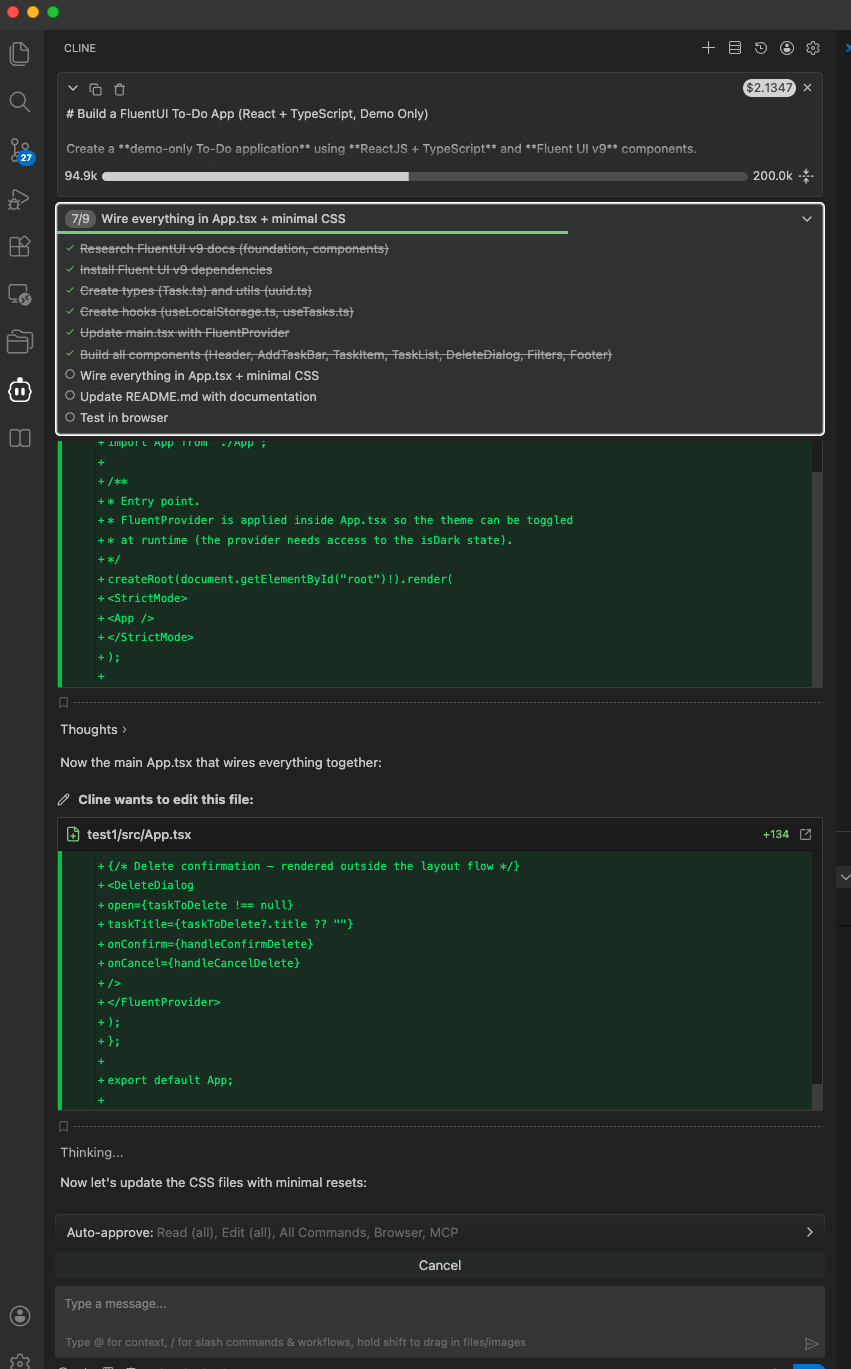
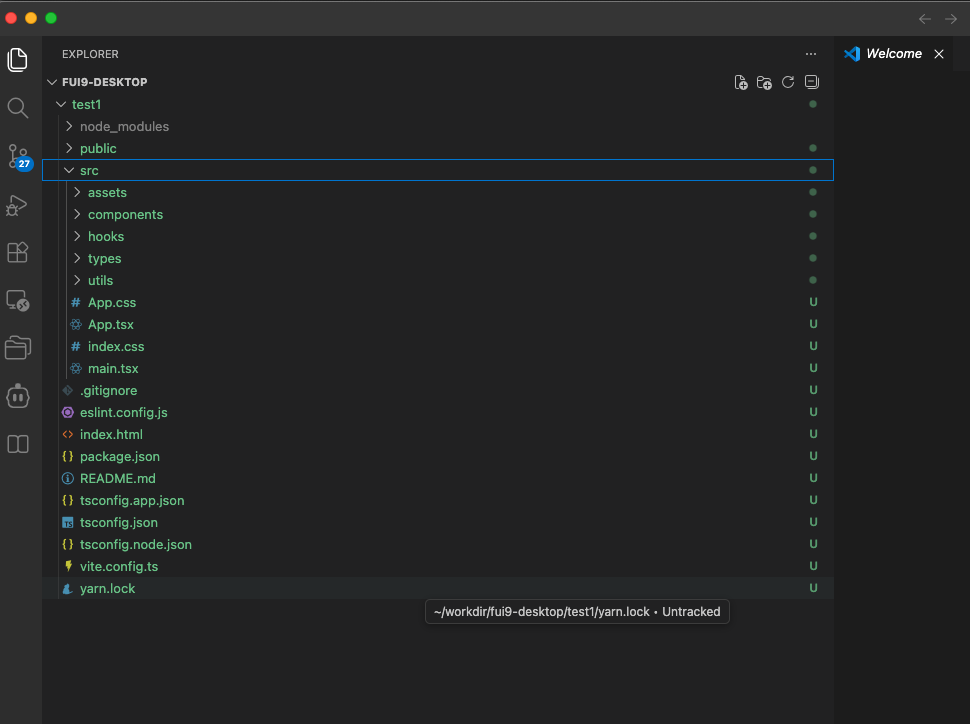
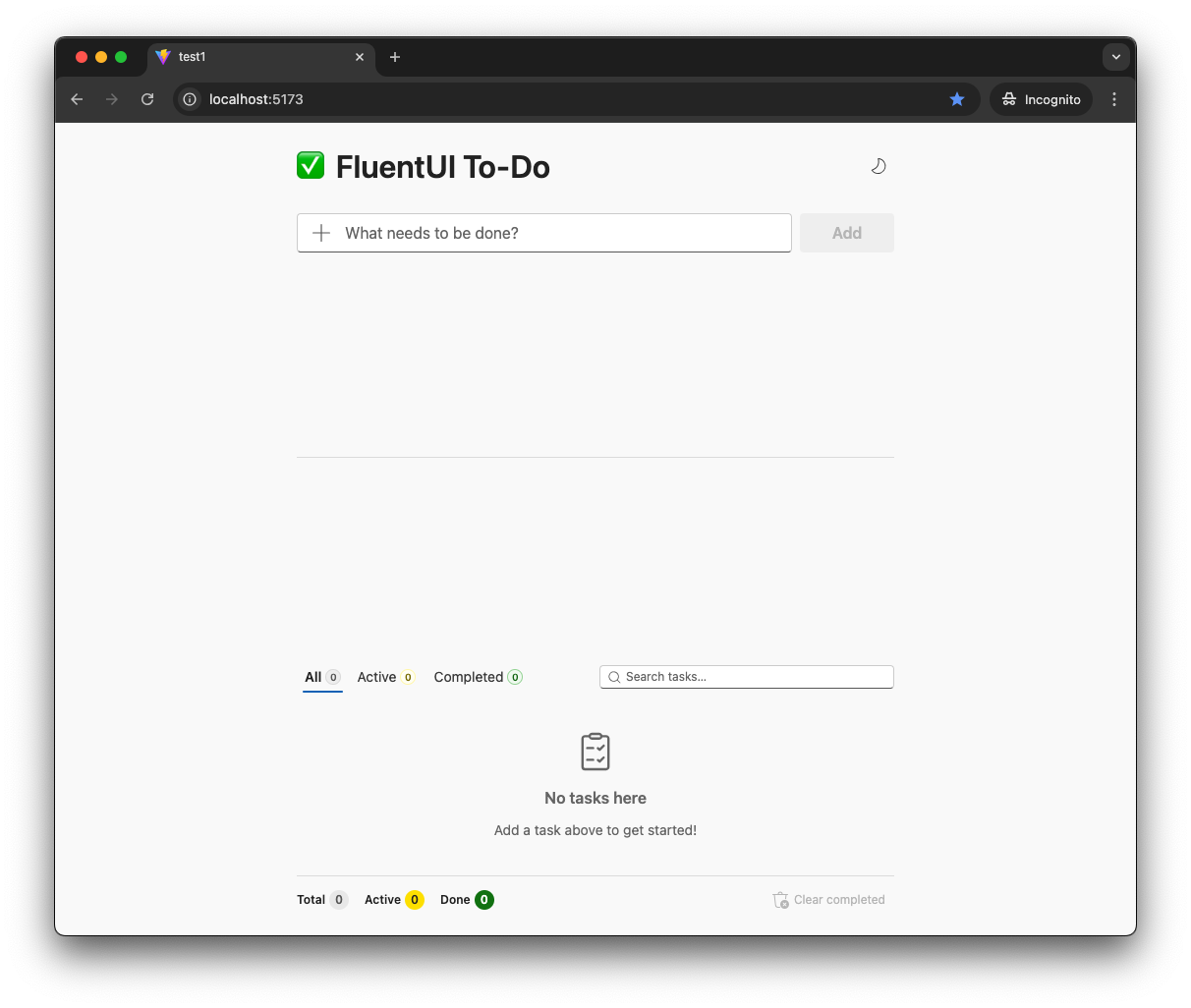
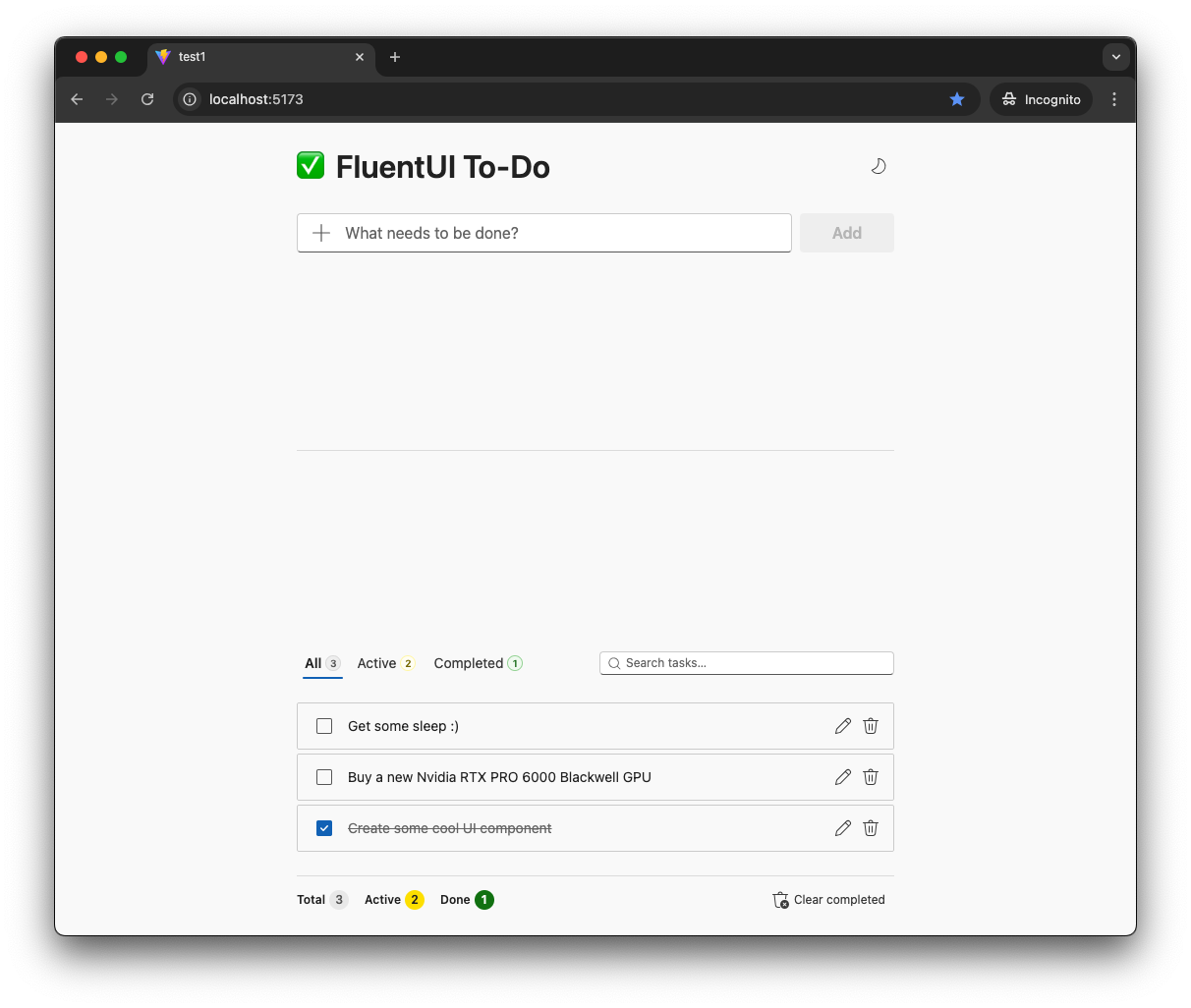
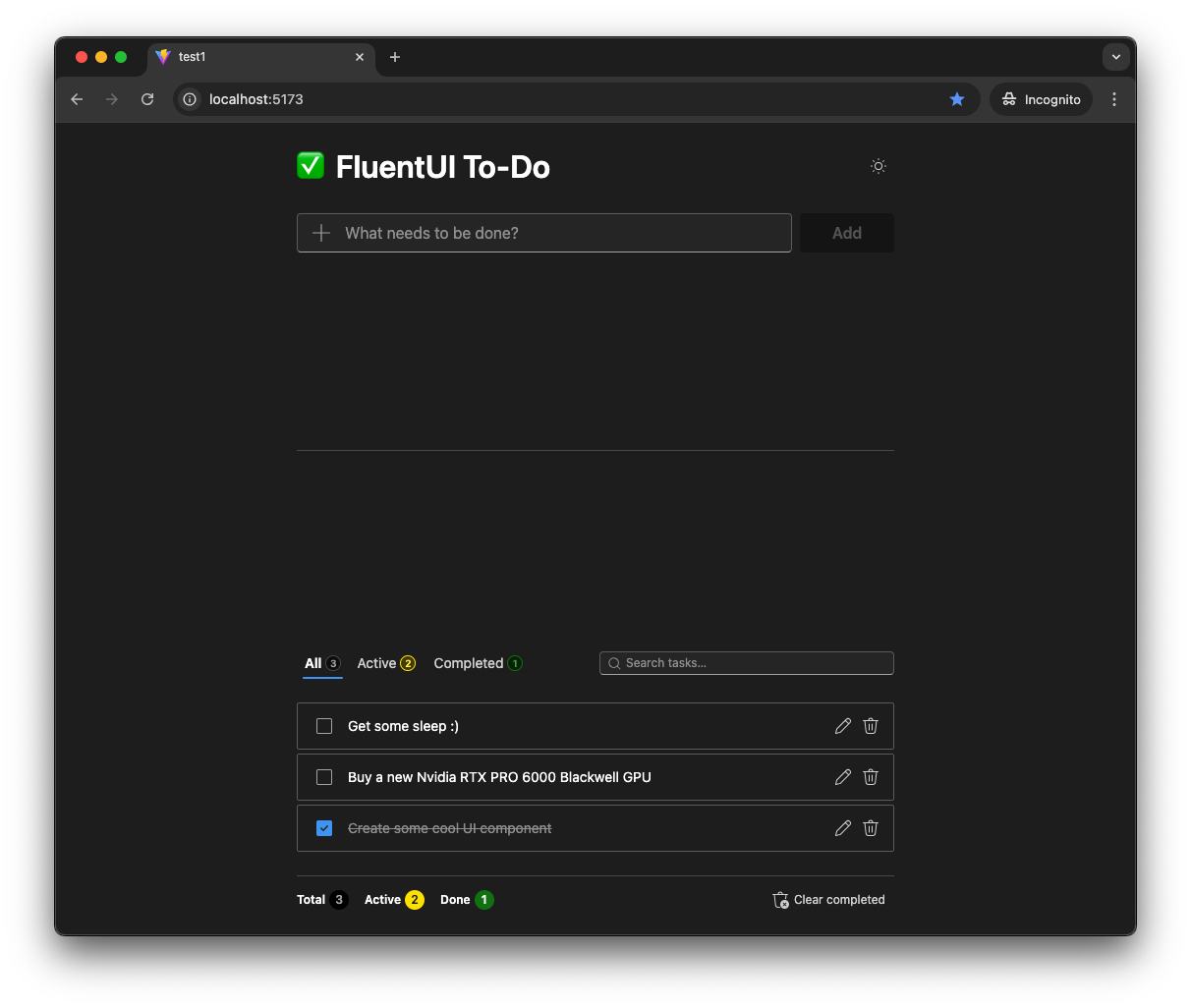
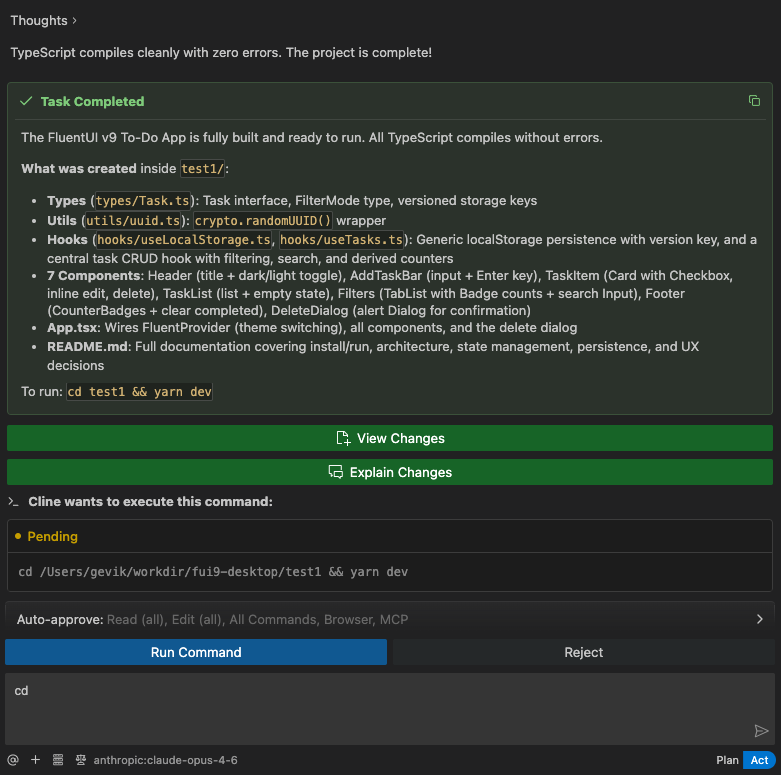
Every screen uses real Fluent UI v9 components — Input, Button, Checkbox, Card, Toolbar, Dialog, Badge, and friends — with proper theming and a confirmation dialog for destructive actions. The agent knew which components to reach for because the MCP server told it.
A second, deliberately open-ended prompt: build a demo admin panel for managing users, posts, and invitations. No backend, UI only. The agent composed a full dashboard-style interface with data tables, actions, and navigation.
TASK:

- Using Fluent UI, create a demo admin panel for managing users, posts, and invitations.
- We do not need a backend; the UI alone is sufficient.
- For data storage, use either an in-memory solution or the browser's local storage.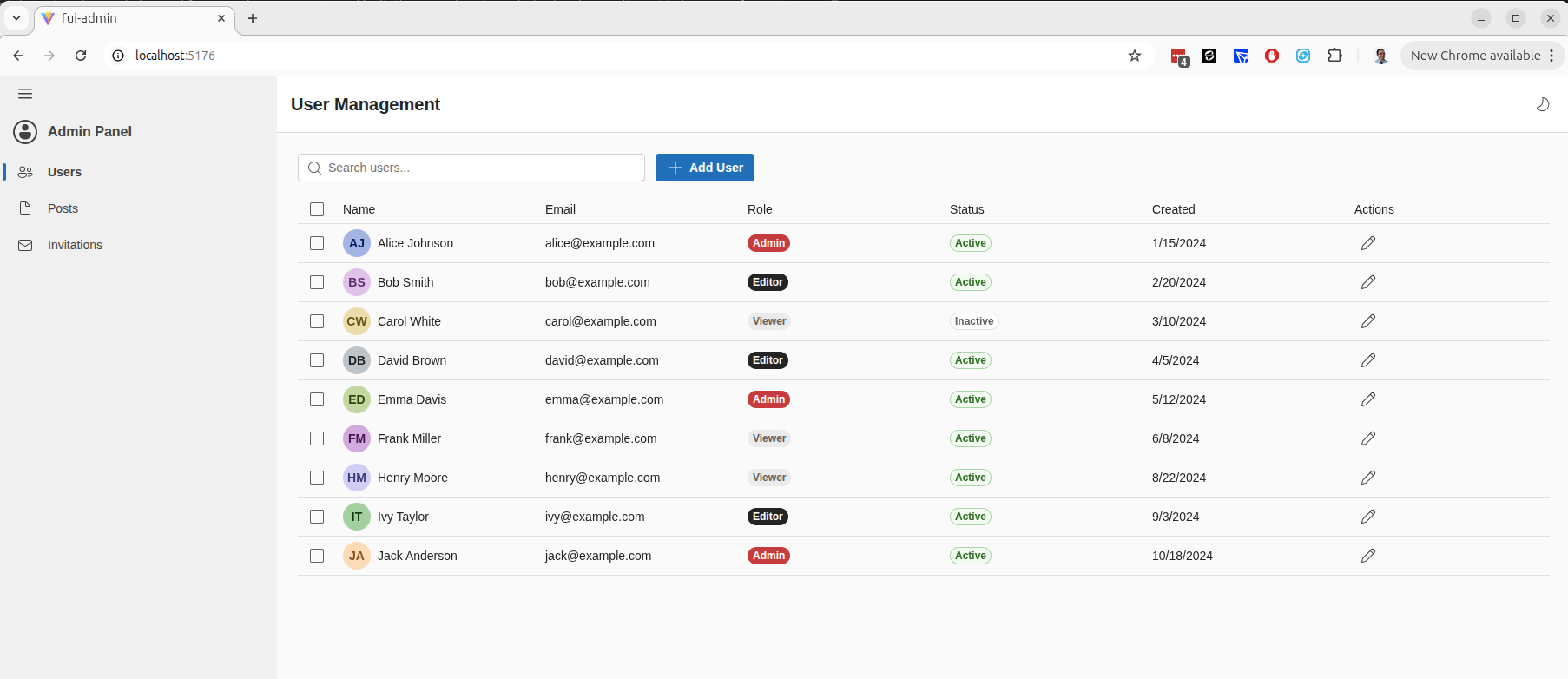
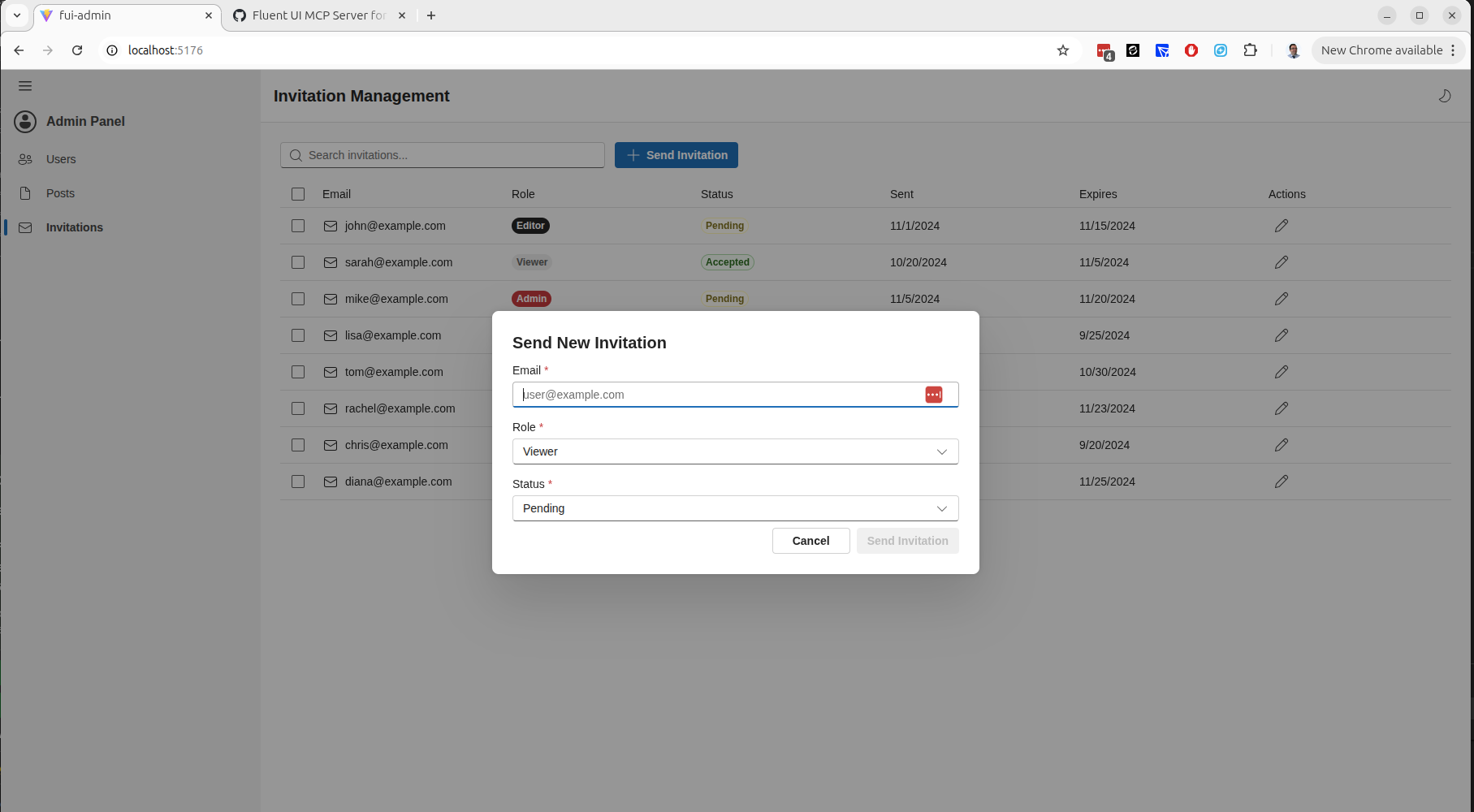
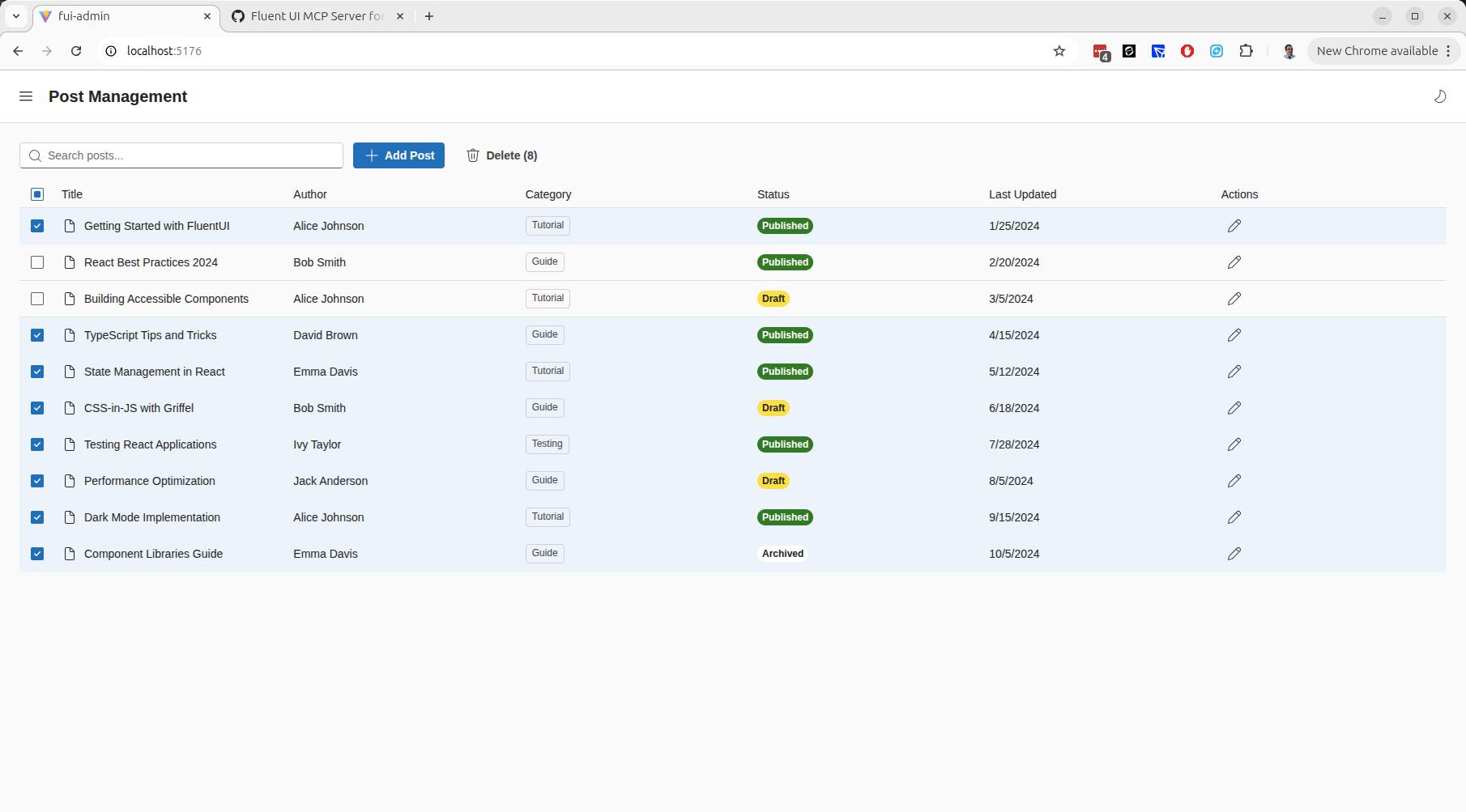
From three short sentences, the agent produced a coherent admin experience — data grids, toolbars, and consistent Fluent UI styling throughout. That's the difference structured component knowledge makes.
fluentui-mcp ships a single, pre-built, LLM-enhanced schema of Fluent UI v9 and serves it from memory over the Model Context Protocol. Your agent calls 12 specialized tools — query a component, search the docs, get props and examples, suggest components for a scenario, or generate a full implementation guide — and gets back clean, structured context exactly when it needs it.
All the heavy lifting (scraping the Fluent UI source and enriching it with an LLM) happens offline at build time, so the runtime stays fast and dependency-light.
Want the technical deep-dive? Read the Architecture Overview and the MCP Tools / API Design.
Install the package:
npm install -g fluentui-mcp
# or use it directly
npx fluentui-mcp
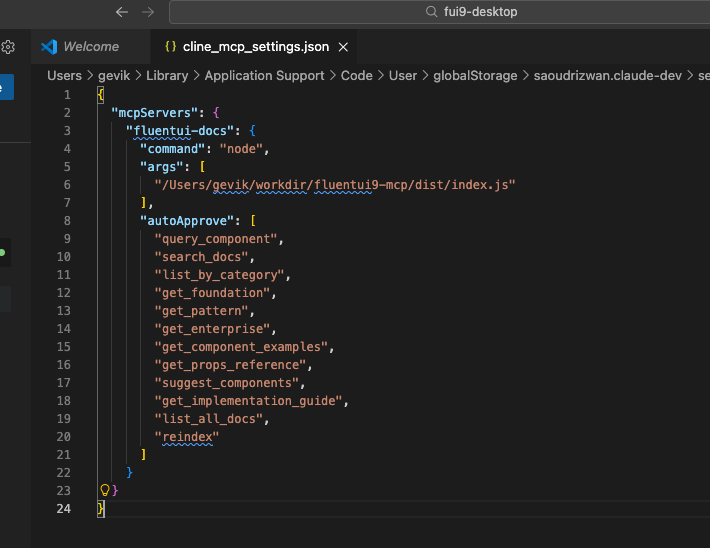
Then point your AI agent (Cline, Claude Desktop, or any MCP-compatible client) at the server and start building. The full walkthrough — including client configuration — is in the Getting Started Guide.