Hello, JSVision
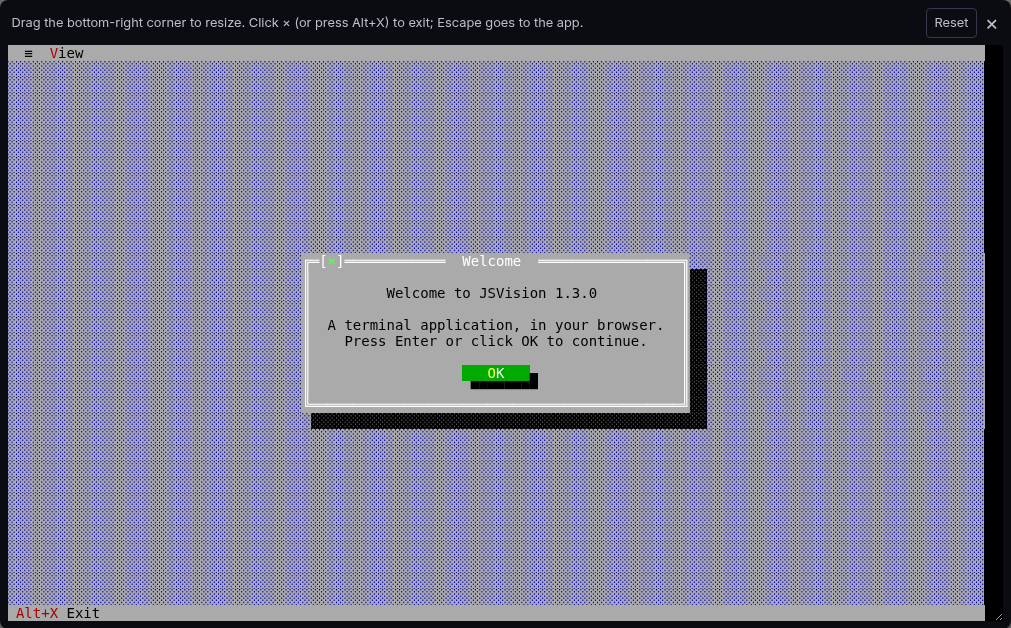
BeginnerStart with the standard application shell and a real modal dialog.
- App shell
- Modal dialog
Explore eight complete JSVision applications, running directly in your browser. Each one focuses on a different part of the framework: application chrome, reactive controls, editing, window management, custom views, animation, themes, or truecolor rendering.
New to JSVision? Start with Hello, JSVision. Want the full experience? Jump straight to the Turbo Vision desktop.
The flagship application puts the pieces together: menu and status bars, keyboard focus, movable and resizable windows, and tile and cascade commands. It is the same @jsvision/ui application you would run in a terminal, hosted here in the browser.
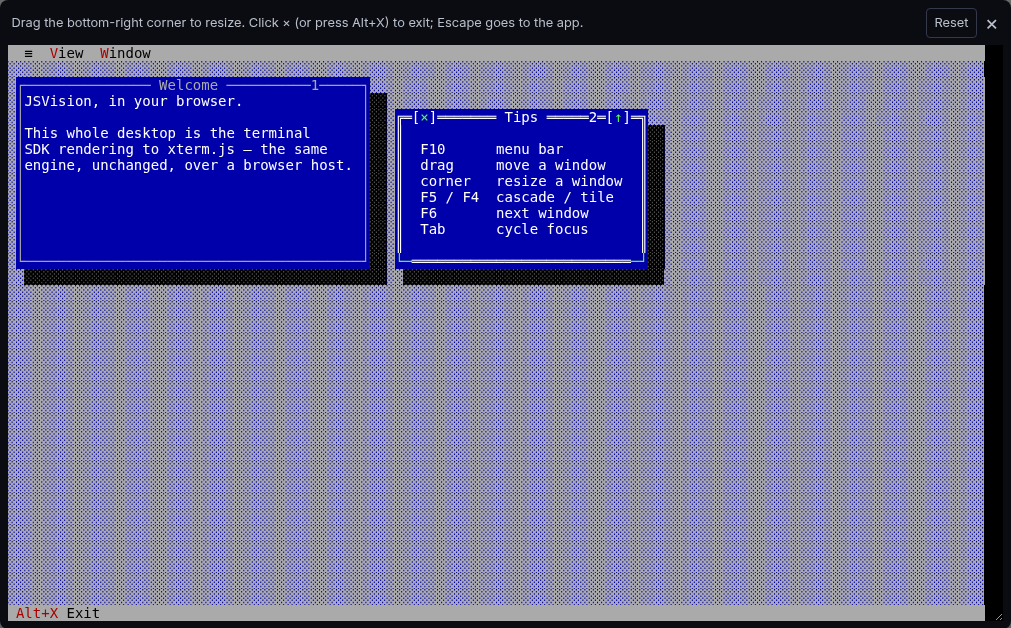
Open the complete windowing desktop, then move, resize, tile, cascade, and switch focus between its windows.
Every card opens a focused page with instructions. Run live launches that application immediately; the terminal code remains lazy until you ask for it.
Start with the standard application shell and a real modal dialog.
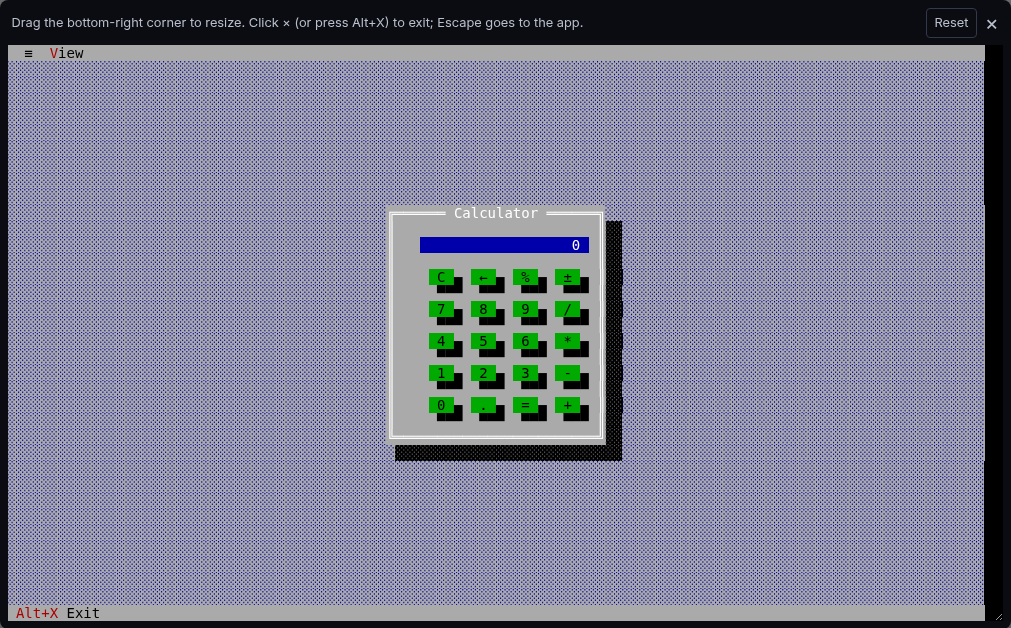
Combine buttons, reactive state, and precise terminal-cell layout.
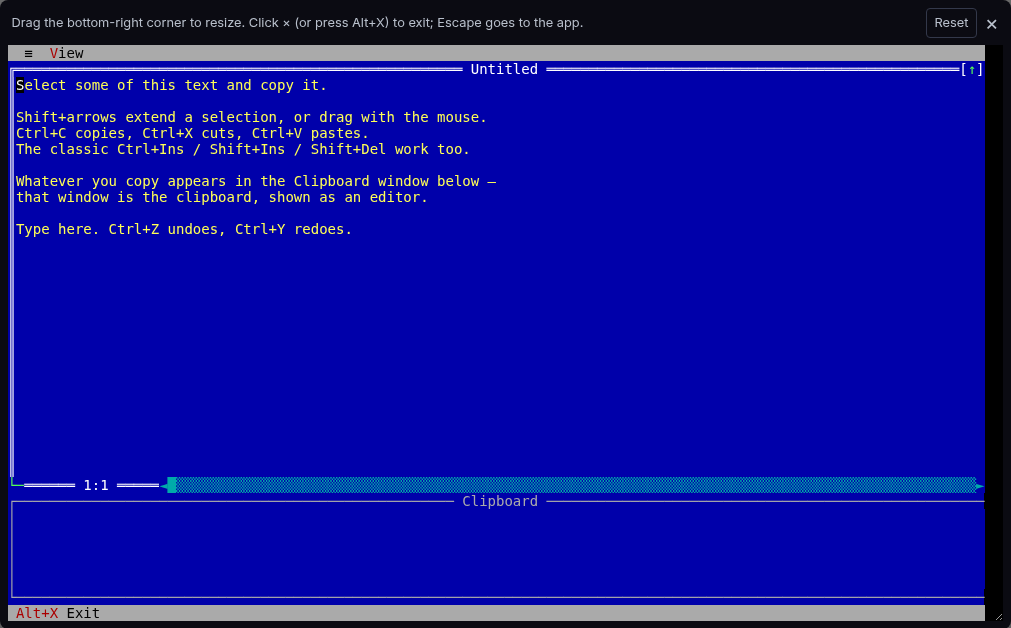
Exercise text selection, clipboard commands, undo, and redo.
Explore menus, focus, movable windows, resize, tile, and cascade.
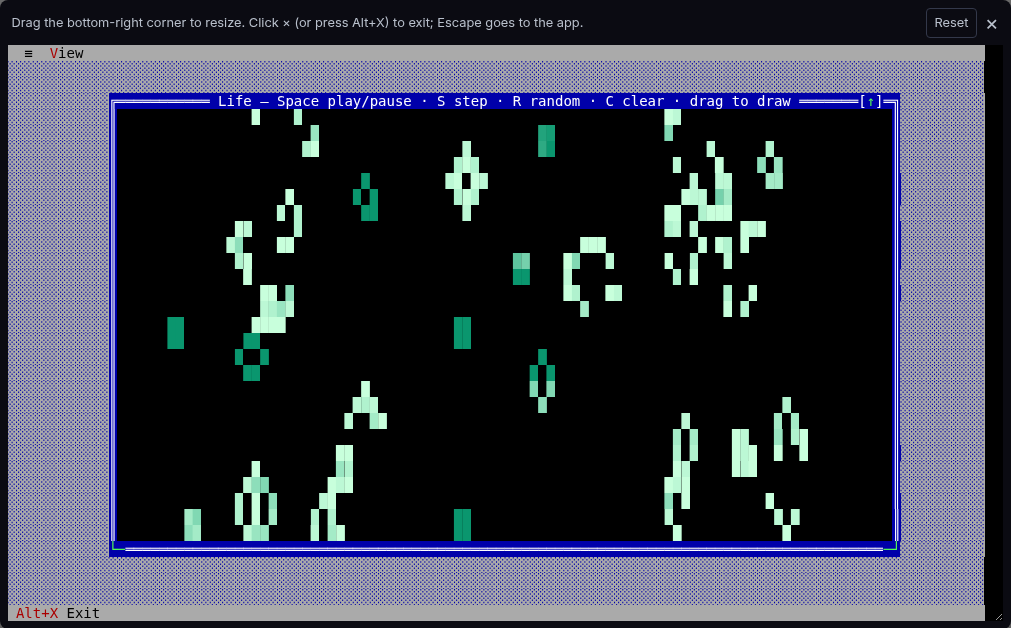
Drive a custom view with simulation state and mouse drawing.
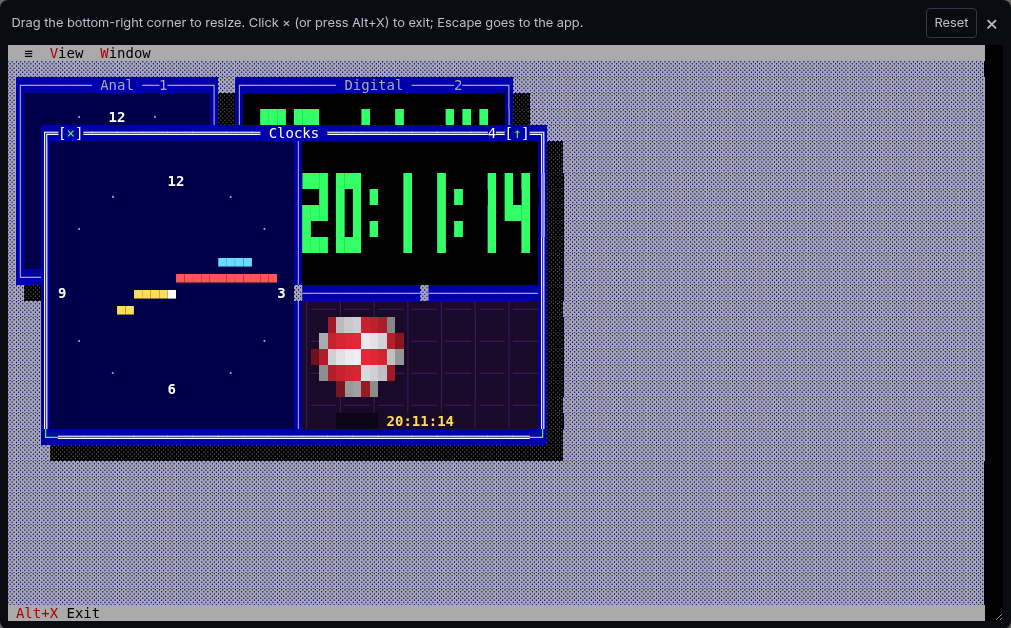
Animate several reactive views from one shared timer.
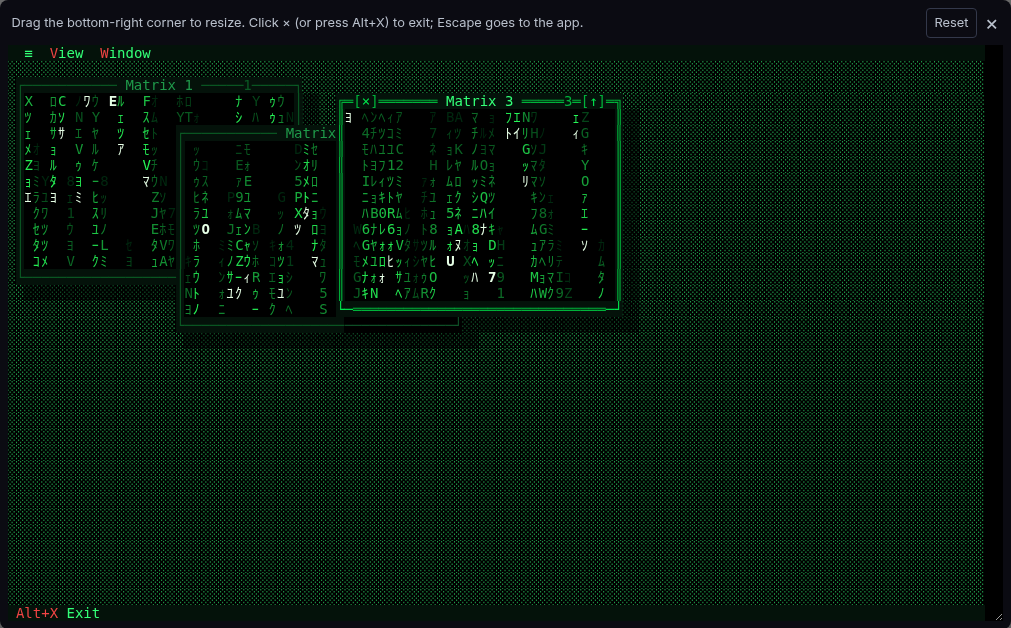
Share animated state across themed, dynamically created windows.
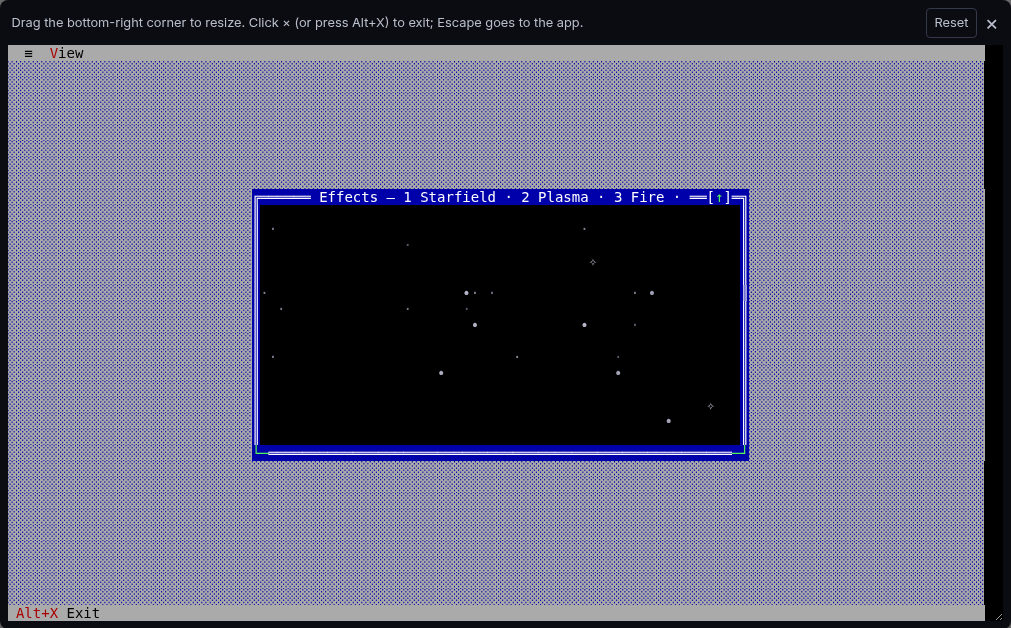
Render truecolor effects cell by cell with terminal fallbacks.
| Your goal | Suggested path | What you will see |
|---|---|---|
| Learning JSVision | Hello → Calculator → Desktop | Start with the app shell, add reactive controls, then compose a windowed application. |
| Building productivity tools | Editor → Desktop | Explore editing commands and clipboard behavior, then menus, focus, and window management. |
| Custom rendering and animation | Game of Life → Amiga clock → Matrix → Effects | Progress from one interactive custom view to shared timers, themed windows, and truecolor drawing. |
When you are ready to move from exploring to building, start with the Application Shell course and continue to the Complete Application course. Use the component catalog to choose controls, or read Running in the Browser to understand how the same application runs inside these live examples.
The complete source for every showcase is available in the JSVision repository.